
Best Font for Visual Studio
Looking for the best font for programming? Checkout the top three here.
commit 67227c7 · authored · amended · 2 min read

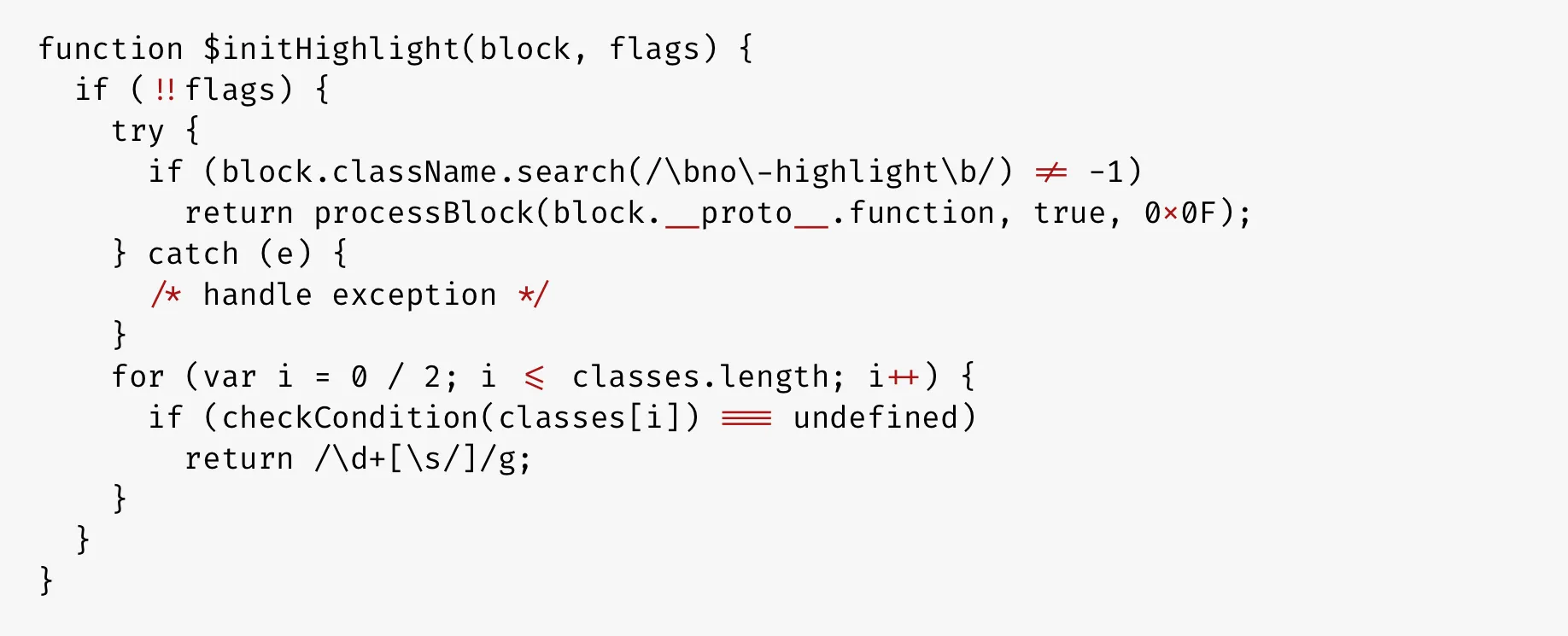
Unlike the default user, most programmers do care about the font they are using, so do I. The most used IDEs in my case are the brothers, Visual Studio, and the Visual Studio Code. In both, I use the same font which is Cascadia Code.
Cascadia Code
After reading this article, I switched to Cascadia Code.
The Cascadia Code font is an open-source font developed to improve the readability of program text in plain-text editors such as in the Windows Terminal, Microsoft Visual Studio, and Visual Studio Code.
Previously Used
JetBrains Mono
Try JetBrains Mono in your IDE. Its simple forms and attention to every detail make coding a nice experience for developers’ eyes, no matter which IDE you choose. Check out the official website. The website itself is MARVELLOUS.
👉 JetBrains Mono: A free and open source typeface for developers
VS Code Settings
"editor.fontFamily": "JetBrains Mono, Fira Code","editor.fontSize": 13,"editor.fontLigatures": true,"editor.letterSpacing": 1.2,Fira Code
Monospaced font with programming ligatures.
👉 GitHub: tonsky/FiraCode
All the instructions to install the font and configuring it in the IDE’s including Visual Studio and Visual Studio Code is documented in the wiki.
Fantasque Sans Mono
Fantasque Sans Mono is my choice for the past two years. You need to try it to see how good it is.
A programming font, designed with functionality in mind, and with some wibbly-wobbly handwriting-like fuzziness that makes it unassumingly cool.
👉 GitHub: belluzj/fantasque-sans
How to install the new font (windows)
- Download the font from here
- In the ttf folder, double-click each font file, click “Install font”; to install all at once, select all files, right-click, and choose “Install”.
- Open Visual Studio settings. Tools > Options > Environment > Fonts and Colors > Choose Fantasque Sans Mono from the font list > OK.
Let me know which one is your favorite in the comments below 👇


